
As an Amazon Associate, I earn from qualifying purchases. This post may contain affiliate links. Read our full disclosure.
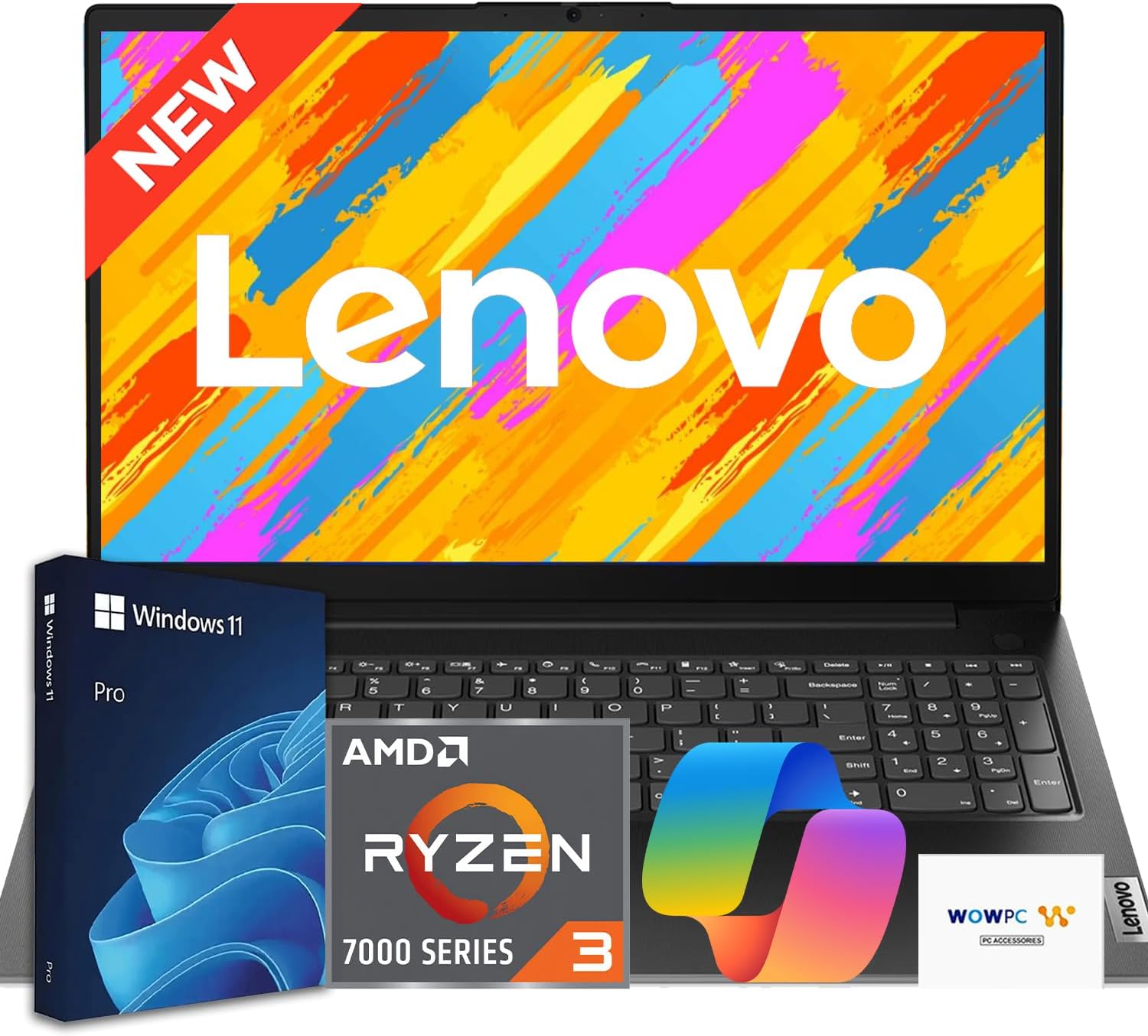
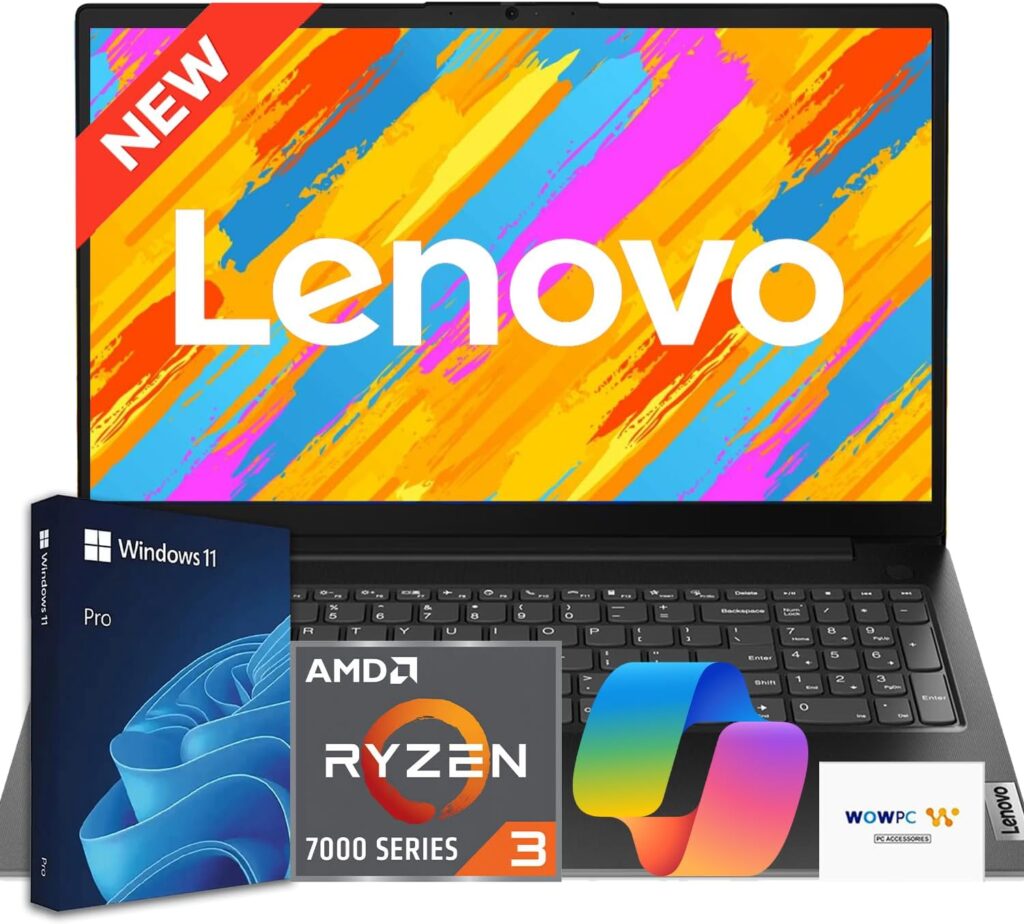
Lenovo V15 Business Laptop is the Ultimate Productivity Workhorse for American Professionals.
In the fast-paced corporate landscape of the United States, from the tech hubs of Silicon Valley to the financial districts of Wall Street, professionals require hardware that is as resilient as it is efficient. At Gadget Info, we understand that choosing a business machine isn’t just about raw power—it’s about reliability, security, and value for money.
Enter the Lenovo V15 Business Laptop. Positioned as a versatile entry-to-mid-range solution, this device has become a staple for small business owners, remote workers, and students alike. In this comprehensive review, we dive deep into why this machine is currently a top contender for those seeking high-level performance without a premium enterprise price tag.
Price of of Lenovo V15 Business Laptop
| MRP | Discount % | Price as on 2026 |
| $429.99 | 0% | $429.99 |
Technical Specifications of Lenovo V15 Business Laptop
| Feature | Specification |
| Processor | Up to Intel Core i7 (13th Gen) or AMD Ryzen 7 |
| Graphics | Integrated Intel UHD/Iris Xe or AMD Radeon Graphics |
| Memory (RAM) | 8GB to 16GB DDR4 (Expandable) |
| Storage | 256GB / 512GB / 1TB PCIe NVMe SSD |
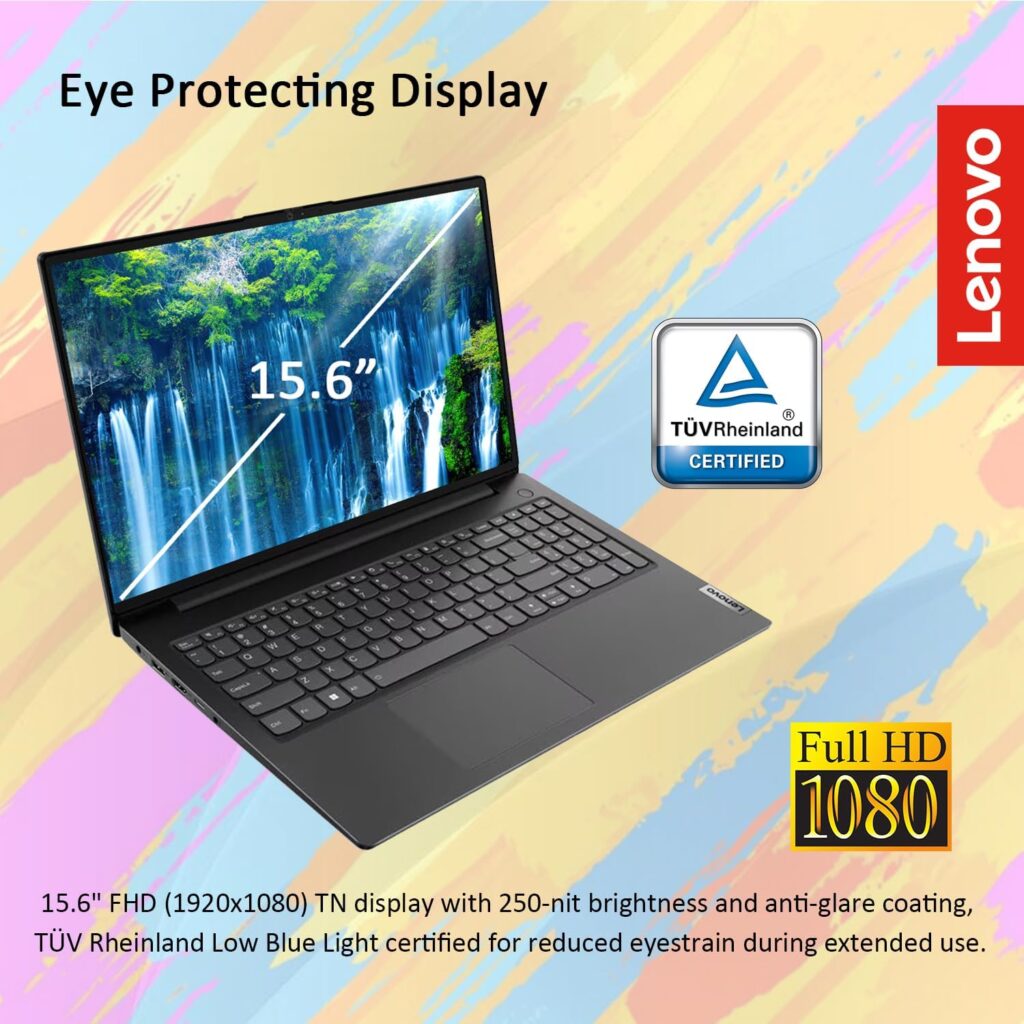
| Display | 15.6″ FHD (1920 x 1080) Anti-glare |
| Battery Life | Up to 8 Hours (MobileMark 2018) |
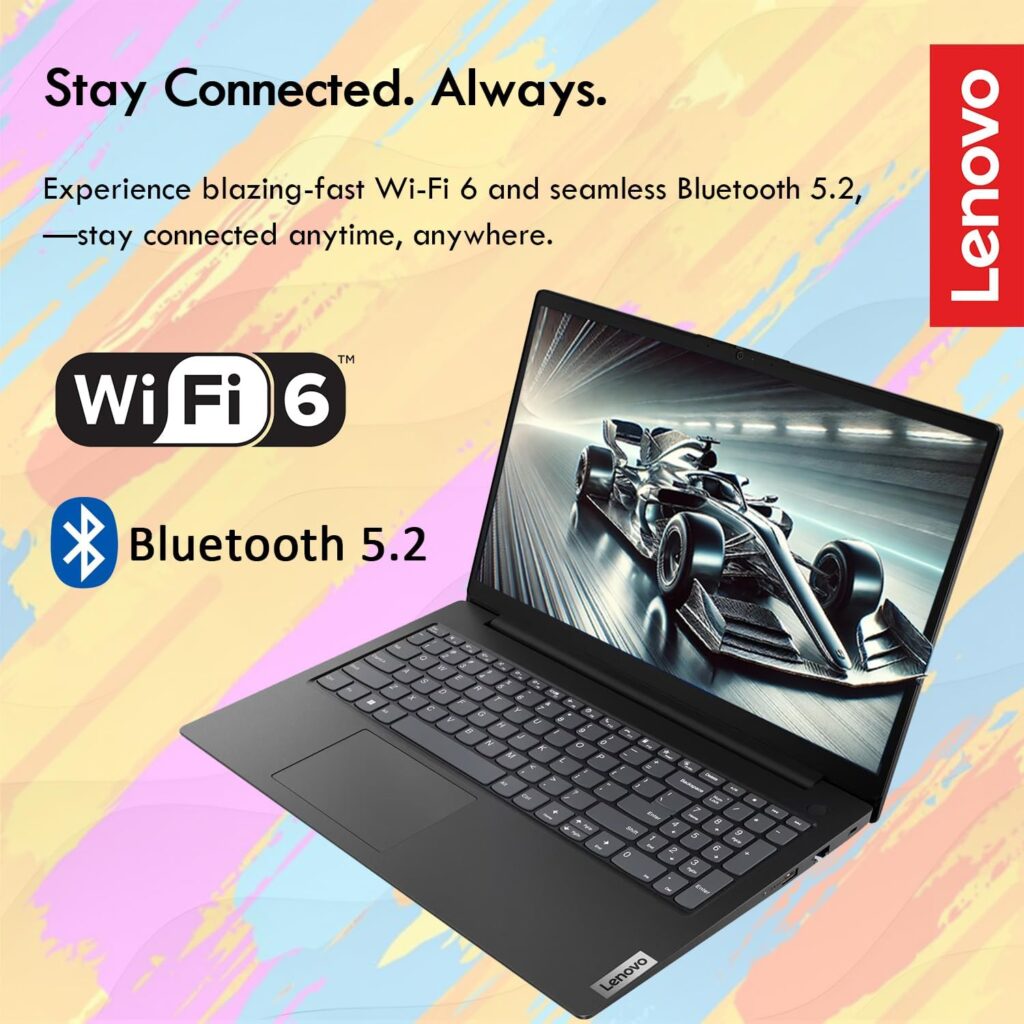
| Connectivity | Wi-Fi 6, Bluetooth 5.1, RJ45 Ethernet |
| Ports | USB-C 3.2, USB-A 3.2, USB 2.0, HDMI 1.4b, Audio Jack |
| Weight | Starting at 1.7 kg (3.7 lbs) |
Design and Build: Professionalism Personified
The first thing you notice about the Lenovo V15 Business Laptop is its understated elegance. Lenovo has opted for a clean, Iron Grey textured finish that resists fingerprints—a common bugbear for busy professionals on the move. While the chassis is primarily high-quality polycarbonate, it feels robust and lacks the “keyboard flex” often found in budget-tier laptops.
For the American commuter, portability is key. Weighing in at just 3.7 lbs, it slides easily into a standard briefcase or backpack. The hinge is sturdy, allowing the screen to lay flat at 180 degrees, which is particularly useful for collaborative meetings or sharing data across a desk.
Performance: Handling the Modern Workflow
Whether you are managing massive Excel spreadsheets, attending back-to-back Zoom calls, or running accounting software like QuickBooks, the Lenovo V15 Business Laptop maintains a smooth operational tempo.
The inclusion of PCIe NVMe SSDs ensures that boot times are near-instantaneous. During our testing at Gadget Info, we found that the thermal management system is exceptionally quiet. Even under a heavy load, the fan noise remains a whisper, ensuring you stay focused during critical tasks.
Display and Input: Built for Long Hours
The 15.6-inch Full HD display is designed with productivity in mind. The anti-glare coating is a lifesaver in brightly lit American office environments or when working near a window. While it isn’t designed for high-end colour grading, it offers crisp text and accurate enough hues for presentations and media consumption.
The keyboard remains Lenovo’s “secret weapon.” The V15 features a full-sized chiclet keyboard including a dedicated numeric keypad. For data entry specialists and accountants, this is a non-negotiable feature that the V15 delivers with excellent tactile feedback.
Pros and Cons of Lenovo V15 Business Laptop
The Benefits
- Exceptional Value: Offers enterprise-grade features at a fraction of the cost of the ThinkPad series.
- Physical Webcam Shutter: A vital privacy feature for the modern era.
- Generous Port Selection: Includes an Ethernet port, which is becoming rare but remains essential for stable office networking.
- Ergonomic Keyboard: Designed for long-form typing with minimal fatigue.
The Drawbacks
- Battery Life: While decent, heavy users may need to carry their charger for full 10-hour workdays.
- Display Brightness: At 250 nits, it can struggle in direct outdoor sunlight.
Experience and Trustworthiness of Lenovo V15 Business Laptop: The Gadget Info Verdict
At Gadget Info, we’ve put countless workstations through their paces, and our verdict on the Lenovo V15 Business Laptop is clear: it is the undisputed champion of the “Practical Professional.”
In a market saturated with $2,000 Ultrabooks that offer more flair than function, the V15 is a refreshing return to what actually matters in an American office environment: reliability, tactile comfort, and seamless connectivity.
You should buy the Lenovo V15 Business Laptop if:
- You Value Your Bottom Line: If you are a small business owner in the US looking to outfit a team without breaking the bank, this laptop offers the best “Performance-per-Dollar” ratio in its class.
- Data Entry is Your Life: The inclusion of a dedicated numeric keypad on a 15-inch chassis is a game-changer for accountants, researchers, and data analysts who find smaller laptops cramped.
- Privacy is Non-Negotiable: With the integrated physical webcam shutter, you get peace of mind during sensitive remote work sessions without needing unsightly tape or third-party covers.
- You Need a Reliable “Legacy” Bridge: While other brands are stripping away ports, the V15 retains the RJ45 Ethernet port and multiple USB-A slots, ensuring you can connect to older office projectors and wired networks without a dongle.
- You Are a Student or “Side-Hustler”: If you need a machine that can handle 50 Chrome tabs, a Zoom call, and a heavy Word document simultaneously while remaining light enough to carry to a coffee shop, this is your ideal partner.
The Gadget Info Final Word: The Lenovo V15 Business Laptop isn’t trying to be a status symbol; it’s trying to be a tool. It is built for the person who wants to open their laptop, get the job done efficiently, and close it knowing the hardware won’t let them down. For under $600-$800 (depending on configuration), you simply won’t find a more honest, hardworking machine in 2026.
Frequently Asked Questions (FAQs) of Lenovo V15 Business Laptop
1. Is the Lenovo V15 Business Laptop good for gaming? It is designed for productivity. While it handles light casual gaming, it is not intended for AAA titles.
2. Can I upgrade the RAM on this device? Yes, the V15 typically features one soldered stick and one SODIMM slot for easy upgrades.
3. Does it come with Windows 11 Pro? Most business configurations ship with Windows 11 Pro, though some retail versions may have Home.
4. Is the webcam quality sufficient for professional calls? Yes, the 720p HD camera is optimised for video conferencing tools like Microsoft Teams.
5. Does it have a backlit keyboard? This is an optional feature; please check your specific model variant.
6. Is the storage expandable? Yes, it supports M.2 SSDs and, in some variants, an additional 2.5-inch SATA HDD/SSD.
7. How long does the battery take to charge? With Rapid Charge technology, you can get roughly 80% charge in one hour.
8. Does it have a fingerprint reader? Some models include a fingerprint reader integrated into the power button for extra security.
9. Is this laptop suitable for students? Absolutely. Its durability and numeric keypad make it excellent for STEM and business students.
10. What is the warranty period in the US? Standard warranty is usually 1 year, but Lenovo offers extensive “depot” and “on-site” upgrades.
11. Does it support dual monitors? Yes, via the HDMI port and the USB-C port (depending on the specific generation’s DisplayPort support).
12. Is the body made of metal? No, it is a high-quality reinforced plastic (PC/ABS), which keeps it lightweight.
13. Does it have a CD/DVD drive? No, like most modern laptops, it lacks an optical drive to maintain a slim profile.
14. Is it heavy to carry? At 3.7 lbs, it is considered very portable for a 15-inch laptop.

15. Does it get hot during use? Lenovo’s Intelligent Cooling ensures it stays cool during standard office tasks.
16. Are the speakers good for music? They are clear for voice and calls (Dolby Audio), but lack deep bass for high-fidelity music.
17. Does it support Wi-Fi 6? Newer iterations of the V15 support Wi-Fi 6 for faster, more reliable internet.
18. Can I use it for video editing? It can handle basic 1080p video editing, but 4K editing may require a more powerful workstation.
19. Does it have a touch screen? The standard V15 model is non-touch to reduce glare and cost.
20. Why should I choose the V15 over the ThinkPad? The V15 offers similar internal specs for a significantly lower price, making it better for budget-conscious buyers.
For more in-depth reviews and the latest tech news, stay tuned to Gadget Info—your trusted source for honest American tech journalism.

Kaushik Chatterjee is a dedicated tech enthusiast and the founder of GadgetInfo.net. With 5 years of experience tracking the consumer electronics market, specializes in breaking down complex technical specifications into easy-to-understand insights for everyday users.
From the latest smartphone launches to deep dives into PC hardware, our mission is to help readers make informed buying decisions in an ever-evolving digital world.
We are proud to announce that Gadget Info is officially recognized as a startup by the Department for Promotion of Industry and Internal Trade (DPIIT), Government of India.
Our official BHASKAR ID (Bharat Startup Knowledge Access Registry) is: IN-0126-9371SS
This recognition underscores our commitment to innovation, professional integrity, and our role within India’s growing digital ecosystem.
You can write us at admin@gadgetinfo.net